Leftover Clock
Say what you put in the fridge. Leftover Clock tells you what to eat first, and when it has to go.
Coming soon for iPhoneEat next
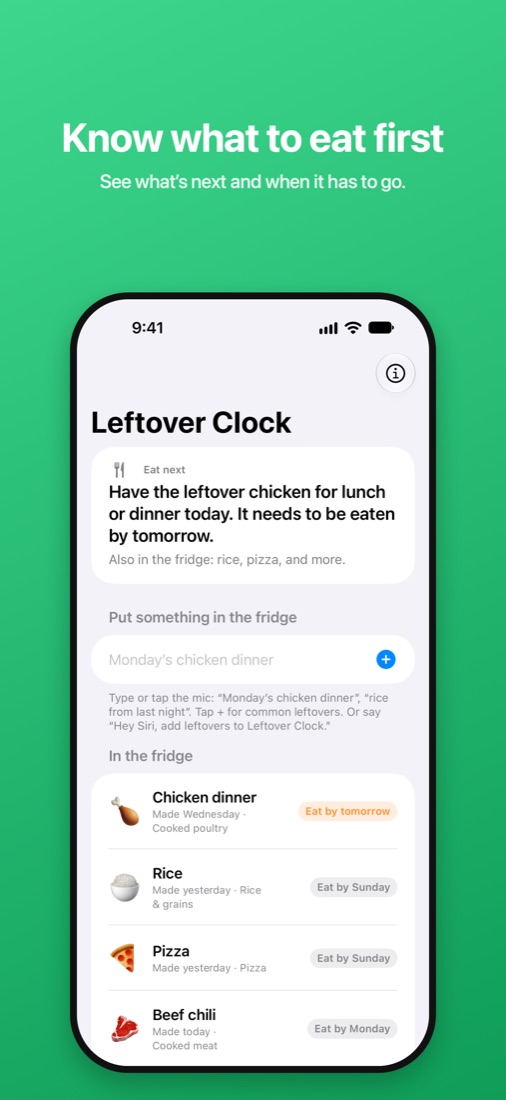
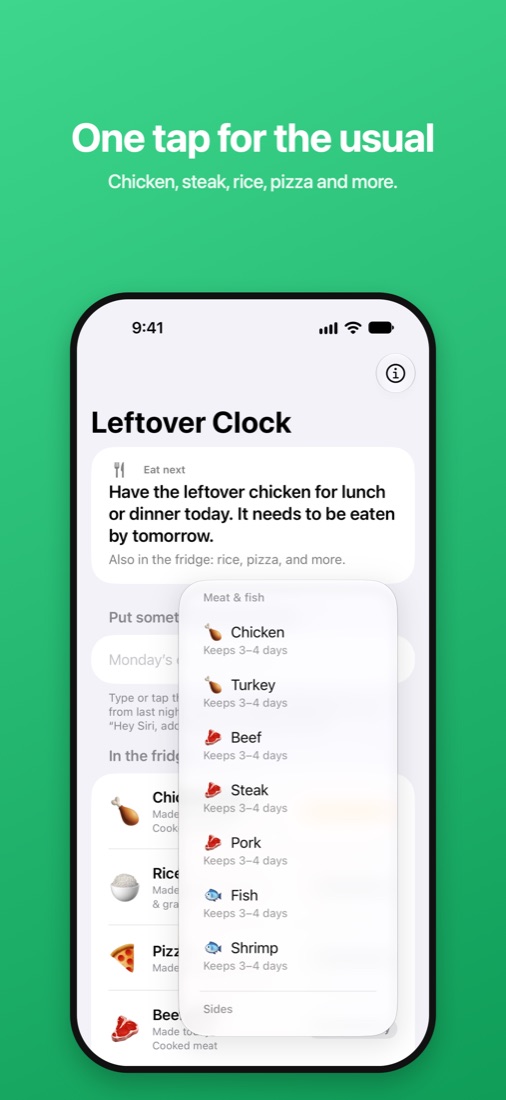
Have the leftover chicken for lunch or dinner today. It needs to be eaten by tomorrow.
Less food in the trash
🗣️
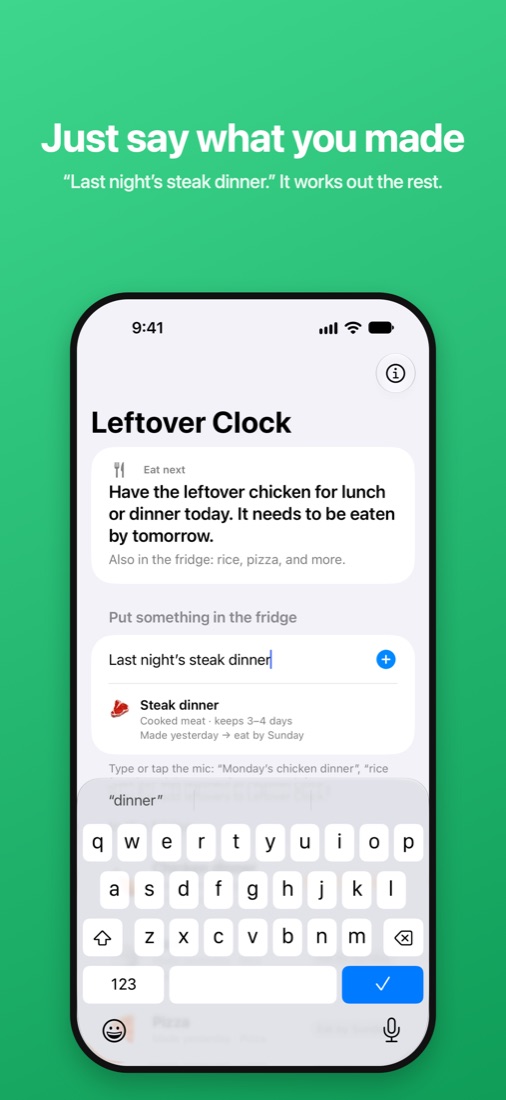
Just say what you made
“Monday’s chicken dinner” or “rice from last night.” It works out the food, the day you made it, and when it has to go.
🍗
Know what to eat first
The Eat Next card picks what to have today, and everything else is listed soonest first.
⏰
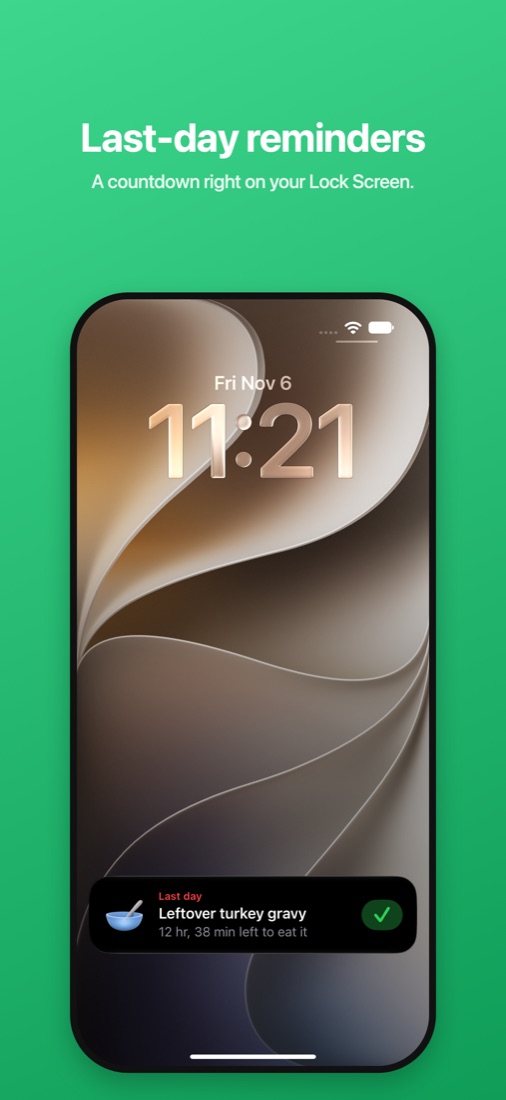
Last-day reminders
A reminder the evening before, and a countdown on your Lock Screen on the last day. Tap ✓ when it’s eaten.
🛡️
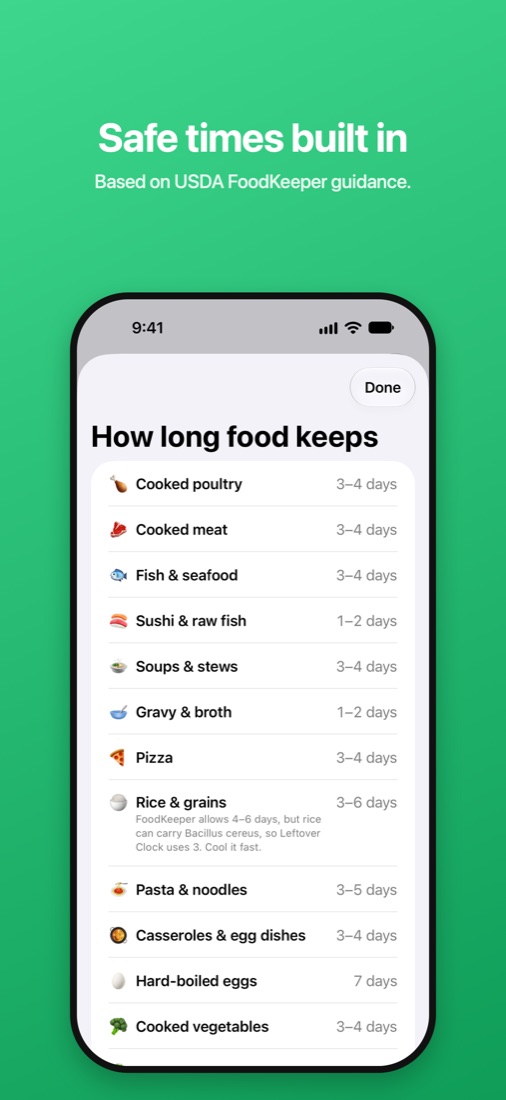
Safe times built in
Based on USDA FoodKeeper guidance. When there’s a range, Leftover Clock uses the shorter end.
See it in action
Private by design. No account, no ads, no tracking. Your fridge list stays on your iPhone. Works with Siri and Home Screen widgets.